
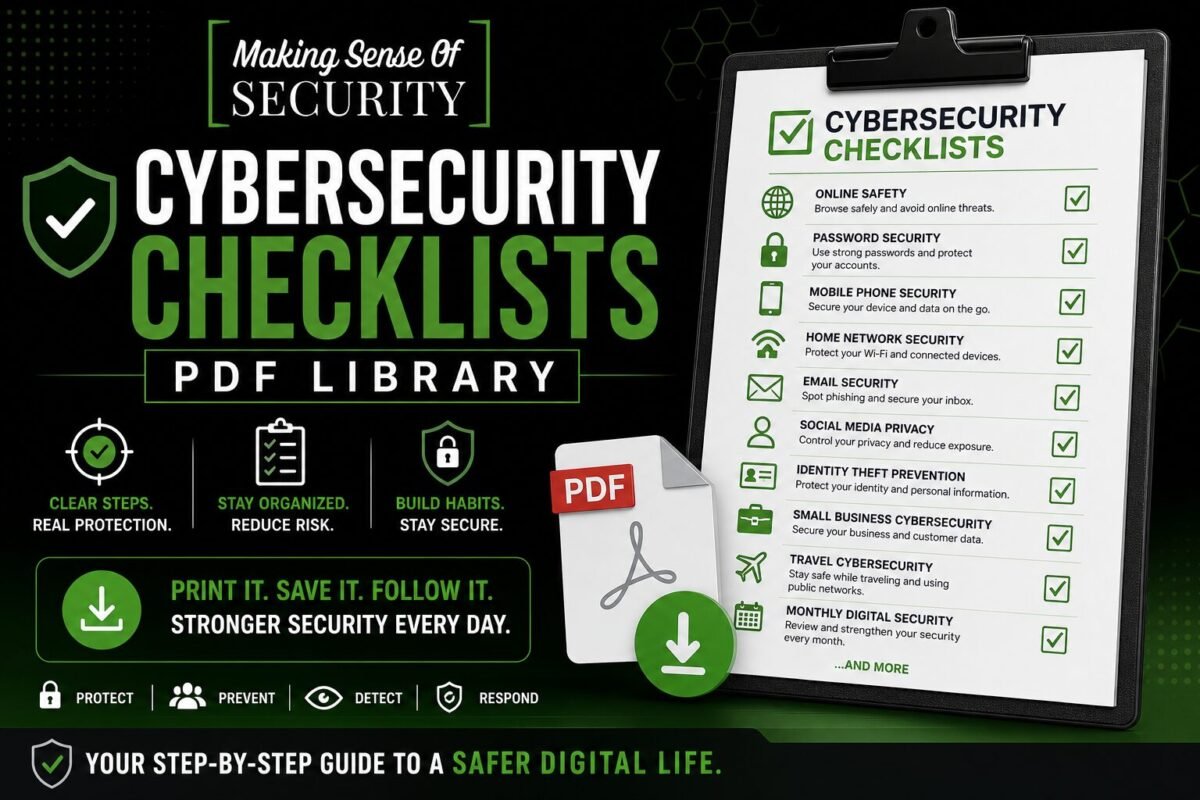
Cybersecurity Checklists PDF Library
Step-by-step checklists that turn cybersecurity advice into a list of boxes you can actually tick. No theory — just the actions that move the needle.
Who These Resources Are For
Individuals, families, and small business owners who want to know exactly what to do, in what order, with no jargon and no fluff.
Available Checklists
All 10 checklists are now ready for download. Click any title to grab the PDF.
Online Safety Checklist
The non-negotiable basics every internet user should run through at least once a year — accounts, devices, network, family, and awareness.
Password Security Checklist
From password manager setup to 2FA migration to recovery codes — the full keystroke-by-keystroke routine.
Mobile Phone Security Checklist
iPhone and Android settings, app permissions, lock-screen behaviour, and lost-device protocols.
Home Network Security Checklist
Router, firmware, IoT segmentation, guest network, DNS-level filtering — your weekend lockdown.
Email Security Checklist
The keystone account. Strong password, MFA, recovery email, sign-out of old sessions, third-party app review.
Social Media Privacy Checklist
Facebook, Instagram, X, LinkedIn, TikTok — exact toggle paths to lock visibility, tagging, and ad targeting.
Identity Theft Prevention Checklist
Credit freezes, dark-web monitoring, SSN protection, and the wallet inventory most people forget.
Small Business Cybersecurity Checklist
Solo operators and SMBs (1-25 employees) — endpoints, employee policies, vendor risk, incident response basics.
Travel Cybersecurity Checklist
Public Wi-Fi, VPN, device encryption, lost-device plan, hotel room safety — the pre-trip routine.
Monthly Digital Security Checklist
A compact monthly review that takes 15 minutes and keeps your defences from drifting out of date.
Want all 50+ free cybersecurity resources in one place? Browse the full PDF Library hub.
Stay Updated
Bookmark this category or join the email list — we drop new free PDFs here regularly. Be the first to know when a fresh resource is ready.
Cybersecurity Checklists PDF Library
Step-by-Step Protection You Can Follow, Repeat, and Trust
Welcome to the Cybersecurity Checklists PDF Library—your go-to collection of structured, actionable, and easy-to-follow security checklists designed to help you protect your digital life with confidence. These free downloadable PDFs turn complex cybersecurity practices into simple, repeatable steps you can follow anytime.
In a world where cyber threats are constantly evolving, knowing what to do can feel overwhelming. There are endless settings, tools, accounts, and risks to manage. That’s where checklists come in. Instead of guessing or trying to remember everything, you can rely on a clear system that walks you through exactly what needs to be done.
These checklists are designed to help you move from uncertainty to control—one step at a time.
What Is the Cybersecurity Checklists PDF Library?
The Cybersecurity Checklists PDF Library is a curated collection of printable and downloadable PDFs that break down essential cybersecurity tasks into organized, step-by-step processes.
Each checklist focuses on a specific area of digital security and is designed to help you:
- Identify vulnerabilities
- Strengthen protections
- Build consistent habits
- Reduce risk over time
These are not long-form guides or technical manuals. They are practical tools built for execution—so you can take action immediately.
Why Cybersecurity Checklists Matter
Cybersecurity is not just about knowledge—it’s about consistent action. Even if you know what to do, it’s easy to forget steps, skip important settings, or delay tasks.
Checklists solve that problem by:
- Providing a structured path to follow
- Reducing mental overload
- Ensuring important steps aren’t missed
- Making security routines repeatable
Think of these checklists as your personal security system—one that keeps you organized, focused, and protected.
Who These Checklists Are For
The Cybersecurity Checklists PDF Library is designed for anyone who wants to take control of their digital safety, including:
- Individuals protecting personal accounts and devices
- Families building safer online habits
- Beginners learning cybersecurity basics
- Professionals managing multiple accounts and systems
- Small business owners protecting sensitive data
- Travelers securing devices on the go
If you want a clear, no-confusion approach to cybersecurity, these checklists are built for you.
How to Use the Checklists Effectively
To get the most value from these resources, follow a simple workflow:
1. Choose the Right Checklist
Start with the area you want to improve—passwords, devices, email, or overall safety.
2. Download or Print
Keep the checklist accessible:
- Save it on your phone
- Print it for your workspace
- Store it in a digital folder
3. Follow Step-by-Step
Work through each item at your own pace. These checklists are designed to be clear and manageable.
4. Revisit Regularly
Many checklists (like monthly security reviews) are designed to be reused.
5. Build a Routine
Over time, combine multiple checklists to create a complete cybersecurity system.
Available Cybersecurity Checklists
Each checklist in this library targets a specific area of security, helping you build protection across all aspects of your digital life.
Online Safety Checklist
The Online Safety Checklist is your foundation for staying safe while browsing, shopping, and interacting online.
It helps you:
- Identify safe vs. risky websites
- Avoid suspicious downloads
- Recognize unsafe behaviors
- Protect your personal information
This checklist is ideal for everyday internet use and helps reduce exposure to common threats.
Password Security Checklist
Passwords are one of the most critical parts of cybersecurity, yet they are often the weakest link.
This checklist guides you through:
- Creating strong, unique passwords
- Avoiding password reuse
- Using password managers effectively
- Enabling additional security layers
By following this checklist, you can significantly improve the security of all your accounts.
Mobile Phone Security Checklist
Your phone contains a large amount of personal data, making it a prime target for attackers.
This checklist covers:
- Lock screen security settings
- App permissions and access control
- Software updates
- Safe app downloads
- Data protection practices
It ensures your mobile device remains secure, whether at home or on the go.
Home Network Security Checklist
Your home Wi-Fi network is the gateway to all your connected devices.
This checklist helps you:
- Secure your router
- Change default credentials
- Enable encryption
- Monitor connected devices
- Reduce unauthorized access
A secure network protects everything connected to it—from phones to smart devices.
Email Security Checklist
Email is one of the most common entry points for cyber attacks.
This checklist focuses on:
- Identifying suspicious emails
- Avoiding phishing attempts
- Securing your email account
- Managing attachments and links safely
It helps you reduce risk and avoid one of the most common cybersecurity threats.
Social Media Privacy Checklist
Social media platforms often expose more personal information than users realize.
This checklist guides you through:
- Adjusting privacy settings
- Limiting data visibility
- Controlling who can contact you
- Reducing oversharing risks
It helps you maintain control over your digital presence.
Identity Theft Prevention Checklist
Identity theft can have serious financial and personal consequences.
This checklist helps you:
- Protect sensitive information
- Monitor accounts and activity
- Secure documents and data
- Recognize early warning signs
It provides a proactive approach to preventing identity-related risks.
Small Business Cybersecurity Checklist
Small businesses are frequent targets for cyber attacks, often due to limited security measures.
This checklist covers:
- Securing business devices and networks
- Protecting customer data
- Managing employee access
- Implementing basic security policies
It helps business owners establish a strong cybersecurity foundation.
Travel Cybersecurity Checklist
Travel introduces new risks, especially when using public Wi-Fi or unfamiliar networks.
This checklist helps you:
- Secure devices before traveling
- Use networks safely while away
- Protect accounts on the go
- Avoid location-based risks
It ensures your digital safety doesn’t take a vacation.
Monthly Digital Security Checklist
Cybersecurity is not a one-time task—it requires regular maintenance.
This checklist provides a routine for:
- Reviewing account activity
- Updating passwords
- Checking device security
- Monitoring for unusual behavior
It helps you stay proactive and maintain long-term protection.
Designed for Simplicity and Action
Each checklist is built with usability in mind:
- Clear sections and headings
- Simple, direct instructions
- Easy-to-follow steps
- Practical, real-world applications
This makes it easy to move from reading to doing—without confusion.
Build Your Personal Cybersecurity System
These checklists are powerful on their own—but even more effective when combined.
You can create a complete system by:
- Using the Online Safety Checklist daily
- Following the Password Security Checklist for all accounts
- Securing your phone and home network
- Reviewing your setup monthly
Over time, these actions become habits—and habits become protection.
Why This Library Is Essential Today
Digital threats are no longer rare—they are constant. From phishing emails to data breaches, the risks are real and growing.
At the same time, many people:
- Don’t know where to start
- Feel overwhelmed by technical information
- Delay taking action
The Cybersecurity Checklists PDF Library removes those barriers by providing:
- Clear starting points
- Simple action steps
- Repeatable systems
- Confidence through structure
Instead of feeling overwhelmed, you gain control.
A Growing Collection of Security Resources
This library will continue to expand with new checklists and updates, including:
- Advanced device security checklists
- Cloud storage protection guides
- Smart home security checklists
- Remote work security resources
As technology evolves, so will the tools available in this library.
Perfect for Personal Use and Sharing
These checklists are designed to be:
- Printed and displayed
- Saved for quick access
- Shared with family and friends
- Used in educational settings
They are ideal for building awareness not just for yourself, but for those around you.
Your Step-by-Step Path to Better Security
Think of this library as your action plan for cybersecurity.
Instead of:
- Wondering what to do
- Searching for answers
- Ignoring potential risks
You can:
- Open a checklist
- Follow the steps
- Strengthen your security immediately
Start Using the Cybersecurity Checklists Today
Download your checklists, take action, and start building a safer digital environment today. Whether you’re securing your accounts, protecting your devices, or improving your habits, these resources are designed to guide you every step of the way.
Simple steps. Strong protection. Real results.
Explore the Cybersecurity Checklists PDF Library now and take control of your digital safety with confidence.