Callback Phishing Scams: Spot TOAD Attacks in 2026
You open your inbox and see an alarming subject line: “Your receipt and invoice from 02/23/2026 — $449.99 charged.” The email looks like it’s from Geek Squad. There’s no link to click, no attachment to open—just a phone number to call if you didn’t authorize the charge.
Naturally, you call. A polite “agent” answers on the second ring, asks you to install a small “refund tool,” and 20 minutes later your bank account is empty.
Welcome to the world of callback phishing scams—a fast-growing fraud technique that bypasses email filters because there’s nothing technical to filter. The criminals know your inbox security blocks bad links and bad attachments, so they put nothing in the email except a phone number and a sense of urgency.
According to FBI IC3 data, call-center-style frauds hit 80,000+ complaints and more than $2.9 billion in losses in 2025. Here’s how to recognize a callback phishing scam, why it works so well in 2026, and the exact steps to take if one lands in your inbox.
What is callback phishing (and why it’s also called TOAD)?
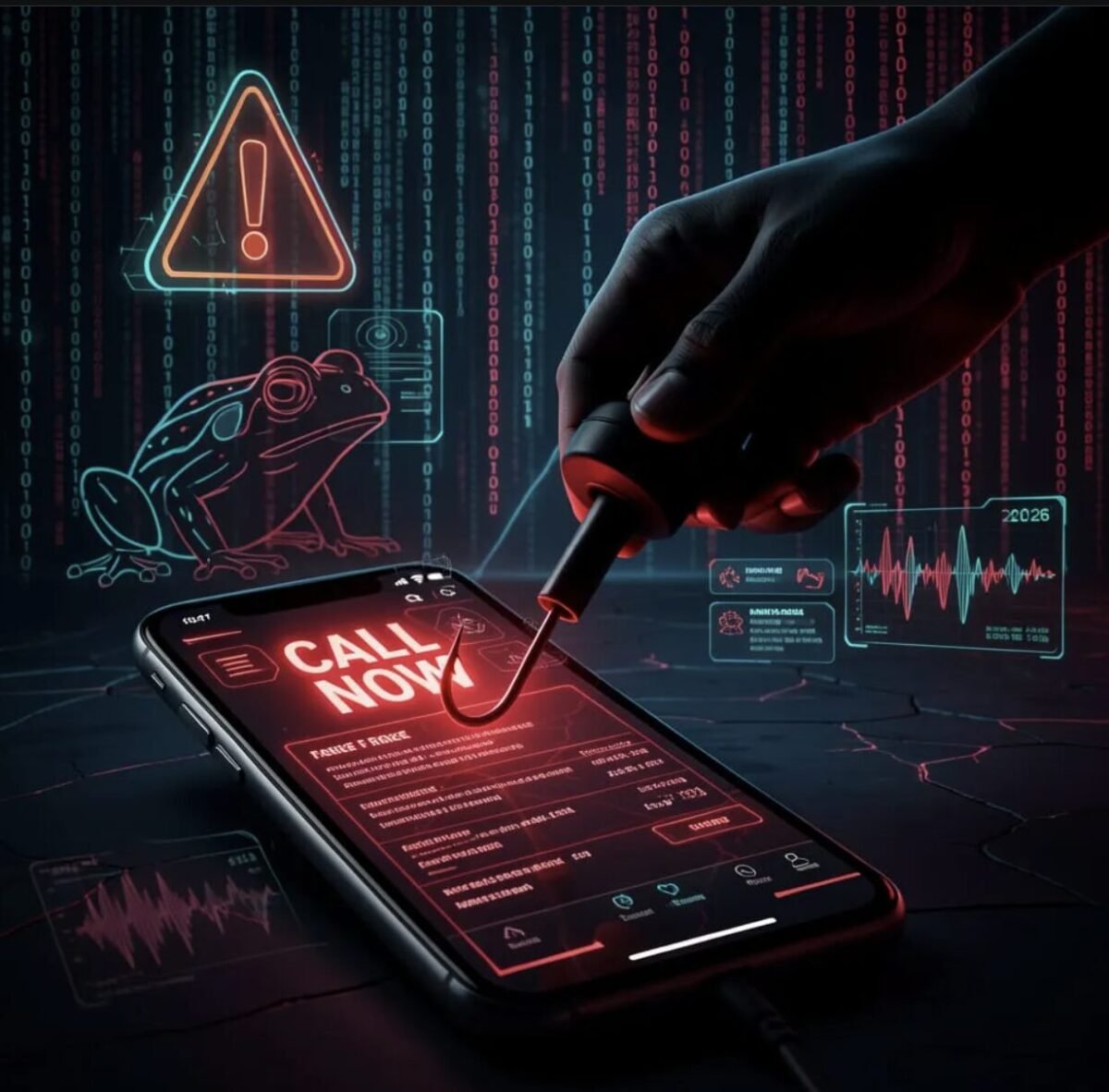
Callback phishing—known in the security industry as Telephone-Oriented Attack Delivery, or TOAD—is a hybrid scam that combines email and voice phishing. The attacker emails you a fake invoice, renewal notice, or fraud alert that contains no malicious links and no attachments.
The only “action” is a phone number printed in the body of the email, urging you to call right now to dispute the charge.
Put what you’ve learned to the test
Try our Did You Know? mini-game — bite-sized cybersecurity facts that stick. Perfect for sharpening instincts in just a few minutes.
Play the game →When you call, a real human (or a convincing AI-generated voice) answers a script designed to do one of three things:
- Steal your payment-card or bank-login information directly.
- Trick you into installing remote-access software so they can drain your accounts in real time.
- Walk you through a wire transfer or gift-card “refund” that the attacker collects.
Because the email itself is technically clean—just text and a phone number—it sails past email gateway filters that are tuned to spot malicious URLs and attachments. That’s the entire point.
Why TOAD attacks are surging in 2026
Three forces are pushing callback phishing into the mainstream this year. First, business email gateways have gotten dramatically better at blocking traditional phishing—so attackers pivoted to a payload (a phone number) that gateways don’t inspect.
Second, generative AI now lets a single scammer run dozens of convincing “agent” personas around the clock, with realistic accents and call-center background noise.
Third, fraud rings have industrialized the operation: one team registers throwaway domains, another team writes the email templates, a third team staffs the phone lines, and a fourth handles the money mules.
Proofpoint’s research has tracked an estimated 10 million TOAD attempts every month globally, and 67% of businesses surveyed reported being hit by at least one in the prior year. Average reported business losses exceed $43,000 per incident, with some six- and seven-figure cases on record.
The most common callback phishing scam templates in 2026
Almost every callback phishing email follows one of a handful of scripts. Knowing the templates makes them embarrassingly easy to spot once you’ve seen the pattern.
Fake antivirus or tech-support renewal
An email arrives with sender name “Geek Squad Billing,” “Norton Support,” “McAfee Auto-Renewal,” or “PayPal Receipts.” Subject lines mention an invoice, an order ID, or a renewal that you “didn’t authorize.”
The body lists a charge of $299, $449, or some other oddly specific amount—always large enough to alarm you, never large enough to feel implausible. The phone number to “cancel” is a toll-free U.S. number that’s been registered for less than 30 days.
Fake calendar invite or meeting request
One newer 2026 variant skips the email entirely and uses a calendar invite. The invite describes a fake charge (“$399.77 CoreDefense Plus”), instructs the recipient to “call the billing line below to dispute,” and lands directly in the calendar app where filters are weakest. Researchers documented a campaign using exactly this technique starting in March 2026.
Fake wire-transfer confirmation (BEC variant)
Aimed at small-business finance teams. The email claims a wire of $48,500 was sent from your account to a vendor and asks you to “confirm or call to cancel.” A panicked AP clerk who calls the number is walked through a “verification” process that ends with the clerk sending a real wire to the attacker.
Fake fraud alert from your bank
Looks like a notification from Chase, Wells Fargo, or your local credit union: “Suspicious purchase of $1,287 at Best Buy — tap below or call to verify.” The phone number connects to an attacker who pretends to walk you through “fraud protection” while harvesting your account number, login, and one-time codes.
Eight red flags that scream “callback phishing”
Use this quick mental checklist any time an unexpected invoice or receipt lands in your inbox. If even two of these apply, treat the message as hostile.
- No links and no attachments. Just a phone number. Real billing emails almost always include a clickable link to your account.
- Generic greeting. “Dear Customer” or no greeting at all, when the legitimate company knows your name.
- Mismatched sender domain. Display name says “Geek Squad,” but the actual address is something like [email protected].
- Urgency in the subject line. “Charge applied,” “auto-renewed,” “fraudulent activity detected,” “act within 24 hours.”
- Toll-free number you don’t recognize. Always cross-check with the number printed on the back of your real credit card or on the company’s official website.
- Oddly specific dollar amounts. $449.99, $299.85, $399.77 — designed to feel like a real subscription, not a round number.
- Sent from a free or third-party service. Many recent attacks abuse legitimate platforms (SendGrid, HousecallPro, Google Calendar) so the headers look clean.
- Vague service description. “Premium Protection Plus,” “CoreDefense,” “Total Security Suite” — product names that sound real but don’t match anything you actually subscribe to.
If a message hits any of these flags, don’t reply, don’t call, and don’t forward it to a coworker for an opinion (forwarding doesn’t make the email safer—and your coworker is just as likely to call the number). Delete it, then verify directly through the company’s official site if you’re worried about a real charge.
What to do if you (or an employee) called the number
If you already dialed and started a conversation, the playbook depends on how far things went.
If you only spoke to them, no information shared
- Hang up immediately.
- Block the phone number on your device.
- Report the email to the impersonated company (most have a “Report a scam” form) and to the FTC at reportfraud.ftc.gov.
- Watch your accounts and inbox closely for follow-up attempts. A scammer who failed once will often try a different angle within a week.
If you installed software they recommended
- Disconnect the device from the internet immediately.
- Power it down. Do not log into bank or work accounts on that machine.
- From a separate, trusted device, change passwords for email, banking, and any work or cloud apps you use on the infected machine.
- Have a professional wipe and reinstall the operating system. Removing visible “remote support” tools is not enough—most attackers leave a hidden second backdoor.
If you shared payment-card or bank information
- Call your bank’s fraud line using the number on the back of your card (never the number from the suspicious email).
- Place a fraud alert with the three credit bureaus (Equifax, Experian, TransUnion). One alert at any bureau triggers all three.
- File a report at the FBI’s Internet Crime Complaint Center (IC3). The data feeds federal investigations and supports any future insurance claim.
- If the loss is significant, file a local police report—many banks now require one before processing larger reimbursement requests.
For a quick refresher on why answering unknown calls is itself a risk, our guide to the dangers of responding to unfamiliar numbers covers the broader pattern.
Spot the Scam. Level Up.
Real scenarios. Split-second calls. Become harder to fool with every round.
How small businesses can shut callback phishing down
Consumer-grade vigilance only goes so far. For an SMB, a single panicked employee can authorize a wire that wipes out a quarter’s profit. The fix is process, not heroics.
1. Adopt a “pause before you call” rule
Add one line to your finance and customer-support playbooks: any unexpected invoice or fraud alert must be verified through the company’s known phone number or website before anyone calls or replies. Print it on a sticker and put it on the AP clerk’s monitor.
2. Lock down dual approval for wires
No wire transfer, ACH change, or vendor-banking-detail update should be possible with a single approver. Two people, two devices, verbal confirmation through a known channel. This single control kills the BEC-callback variant outright.
3. Treat phone calls as untrusted by default
Train staff that the phone number itself is the payload. A “fraud team” that calls you out of the blue and asks for one-time codes is a scam, every time, with no exceptions. The same goes for “Microsoft Support,” “Apple Support,” or “the IRS.” None of them cold-call you.
4. Report and analyze
Set up a one-click “Report Phish” button in your email client and route reports to a shared mailbox. Even if you don’t have a security team, the patterns you see (which brands are being faked, which subject lines, which call-back numbers) help you tune training. Our short read on cybersecurity facts every employee should know makes a useful 5-minute team huddle.
5. Practice with safe drills
Run a tabletop exercise twice a year: someone reads a fake invoice email aloud and the team walks through what they’d do. Most companies are shocked at how quickly someone reaches for the phone. You can warm employees up with our scam detection challenge and Scam Blitz game—quick, gamified ways to sharpen the reflex.
Final thoughts: the phone number is the trap
The defining feature of callback phishing is also its weakness. There’s nothing technical to detect—but that means there’s nothing technical you need to do.
You just need a single habit: never call a phone number that came to you in an unexpected message.
Look the number up independently. If a charge is real, you’ll find a real way to dispute it through the company’s website or your bank.
For consumers, build the habit at home. For small businesses, bake it into your finance and IT processes so that no single employee can be socially engineered into wiring money or installing remote-access tools. The math is brutal: an average $43,000 loss from one bad phone call dwarfs the cost of a 30-minute team training. If this guide saved you one panicked dial, it earned its keep.
Want more practical scam-spotting drills? Try our cybersecurity trivia game and subscribe to the blog so the next breakdown lands the morning it goes live.